

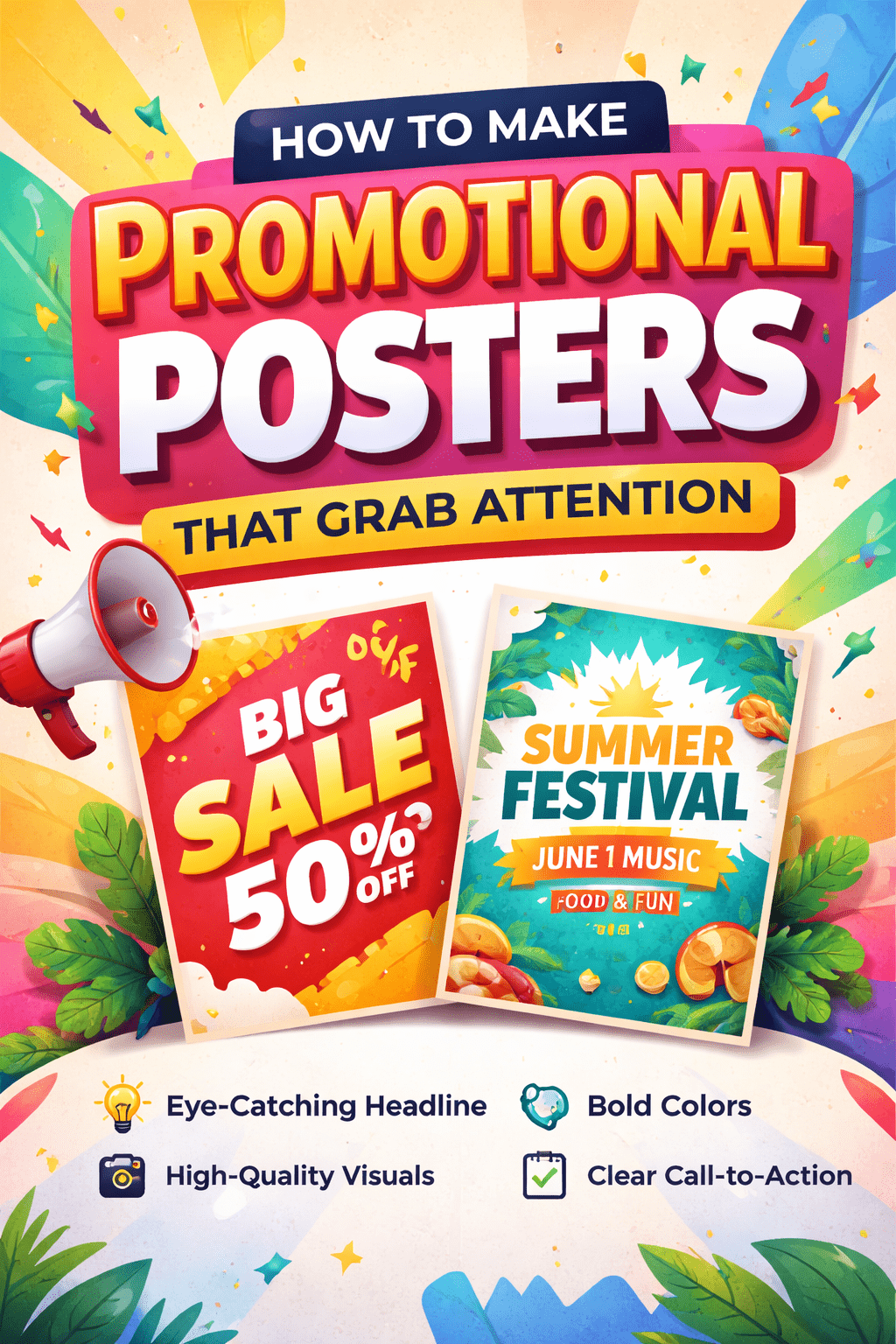
In a world overflowing with digital content, promotional posters remain one of the most effective ways to capture attention,both online and offline. Whether you’re advertising an event, launching a product, or promoting a sale, a well-designed poster can stop people in their tracks and deliver your message instantly.
The good news? You don’t need to be a professional designer to create stunning visuals. With tools offering free printable poster templates, anyone can design eye-catching posters that look polished and professional.
In fact, studies show that visual content is processed 60,000 times faster than text, making design a crucial element in marketing success. A compelling poster doesn’t just look good,it drives engagement, increases brand awareness, and boosts conversions.
Let’s explore how to create promotional posters that truly stand out.
Why Posters Still Work in Modern Marketing
Despite the rise of social media and digital ads, posters continue to deliver strong results.
High Visibility
Posters placed in high-traffic areas,both physical and digital,reach a wide audience quickly.
Instant Communication
A good poster delivers its message within seconds, making it ideal for busy audiences.
Cost-Effective Marketing
Compared to digital ads or video production, posters are affordable and easy to produce.
Step-by-Step Guide to Creating Attention-Grabbing Posters
1. Start with a Clear Goal
Before designing, define your objective. Ask yourself:
- Are you promoting an event?
- Launching a product?
- Offering a discount or sale?
Your goal will determine your design, message, and call-to-action (CTA).
2. Craft a Powerful Headline
Your headline is the first thing people notice.
Make it:
- Short and bold
- Easy to read from a distance
- Emotionally engaging
Examples:
- “50% OFF This Weekend Only!”
- “Join the Biggest Event of the Year”
Tip: Use action words to create urgency and excitement.
3. Use High-Quality Visuals
Visuals are the heart of your poster.
Choose:
- High-resolution images
- Relevant graphics
- Consistent style
Research shows that posts with compelling visuals get 94% more views than those without.
Avoid clutter. One strong image is better than several weak ones.
4. Choose the Right Colors
Color psychology plays a big role in how your poster is perceived.
- Red -urgency, excitement
- Blue -trust, professionalism
- Yellow -attention, energy
- Black -luxury, sophistication
Stick to 2–3 main colors to maintain a clean, professional look.
5. Select Readable Fonts
Typography can make or break your poster.
Best practices:
- Use large fonts for headlines
- Choose simple, readable typefaces
- Limit to 2–3 fonts maximum
Ensure your text is readable from a distance,especially for printed posters.
6. Keep the Layout Clean and Organized
A cluttered poster confuses viewers.
Follow this structure:
- Headline (top)
- Visual (center)
- Supporting text (details)
- CTA (bottom)
Use whitespace to give your design breathing room.
7. Add a Strong Call-to-Action (CTA)
Tell people exactly what to do next.
Examples:
- “Buy Now”
- “Register Today”
- “Visit Our Website”
A clear CTA increases conversions and engagement.
8. Include Essential Information
Make sure your poster answers key questions:
- What is it?
- When is it?
- Where is it?
- How to participate?
Keep details concise,don’t overload the design.
Design Tips to Make Your Poster Stand Out
Use Contrast for Impact
High contrast between text and background improves readability and visibility.
Follow Visual Hierarchy
Guide the viewer’s eye from most important to least important elements.
- Headline – largest
- Subheading – medium
- Details – smaller
Leverage Emotional Design
People respond to emotion.
- Use expressive images
- Add relatable messaging
- Create urgency or excitement
Optimize for Digital and Print
Your poster should work across platforms:
- Print: High resolution (300 DPI)
- Digital: Optimized for social media sizes
Resize your design for Instagram, Facebook, or email campaigns.
Common Mistakes to Avoid
Too Much Text
Posters are not articles. Keep it short and impactful.
Poor Image Quality
Low-resolution images reduce credibility.
Weak CTA
If people don’t know what to do next, they won’t act.
Overcomplicated Design
Simplicity wins. Clean designs perform better.
Creative Poster Ideas for Different Campaigns
Event Promotion
Use bold colors and dynamic visuals to create excitement.
Sales and Discounts
Highlight percentages and urgency (e.g., “Limited Time Offer”).
Product Launches
Showcase the product as the hero of the design.
Brand Awareness
Focus on strong visuals and memorable messaging.
Tools to Simplify Poster Design
You don’t need advanced software to create professional posters.
Popular tools include:
- Canva
- Adobe Express
- Carello (Vista Create)
These platforms offer:
- Drag-and-drop editors
- Pre-designed templates
- Customization options
Using templates can save time while ensuring a polished result.
Final Thoughts
Creating promotional posters that grab attention is both an art and a science. It’s about combining strong visuals, clear messaging, and strategic design to capture interest within seconds.
By focusing on:
- A compelling headline
- High-quality visuals
- Clean layout
- Strong CTA
You can create posters that not only look great but also drive real results.
Remember, the goal isn’t just to design something красивое,it’s to communicate effectively and inspire action. Start simple, test different designs, and refine your approach over time.
With the right strategy and tools, your posters can become a powerful part of your marketing toolkit,helping you stand out in a crowded world and connect with your audience in a meaningful way.
No se puede comentar.